

LIVE tvdigital · 00:00:00:00
Software for audiovisual production
Tools to create, automate and take your video productions to the next level.
VIDEO / GRAPHICS / AUTOMATION / NDI / LIVE PRODUCTION

01 — Catalog
Applications
11 products. Each one solves a specific task in the production chain, and they connect to each other through NDI, HTML and data.
-
01
 ONPOLLQR-code voting with dynamic graphic results for television, streaming and live events.
Audience participation
-
02
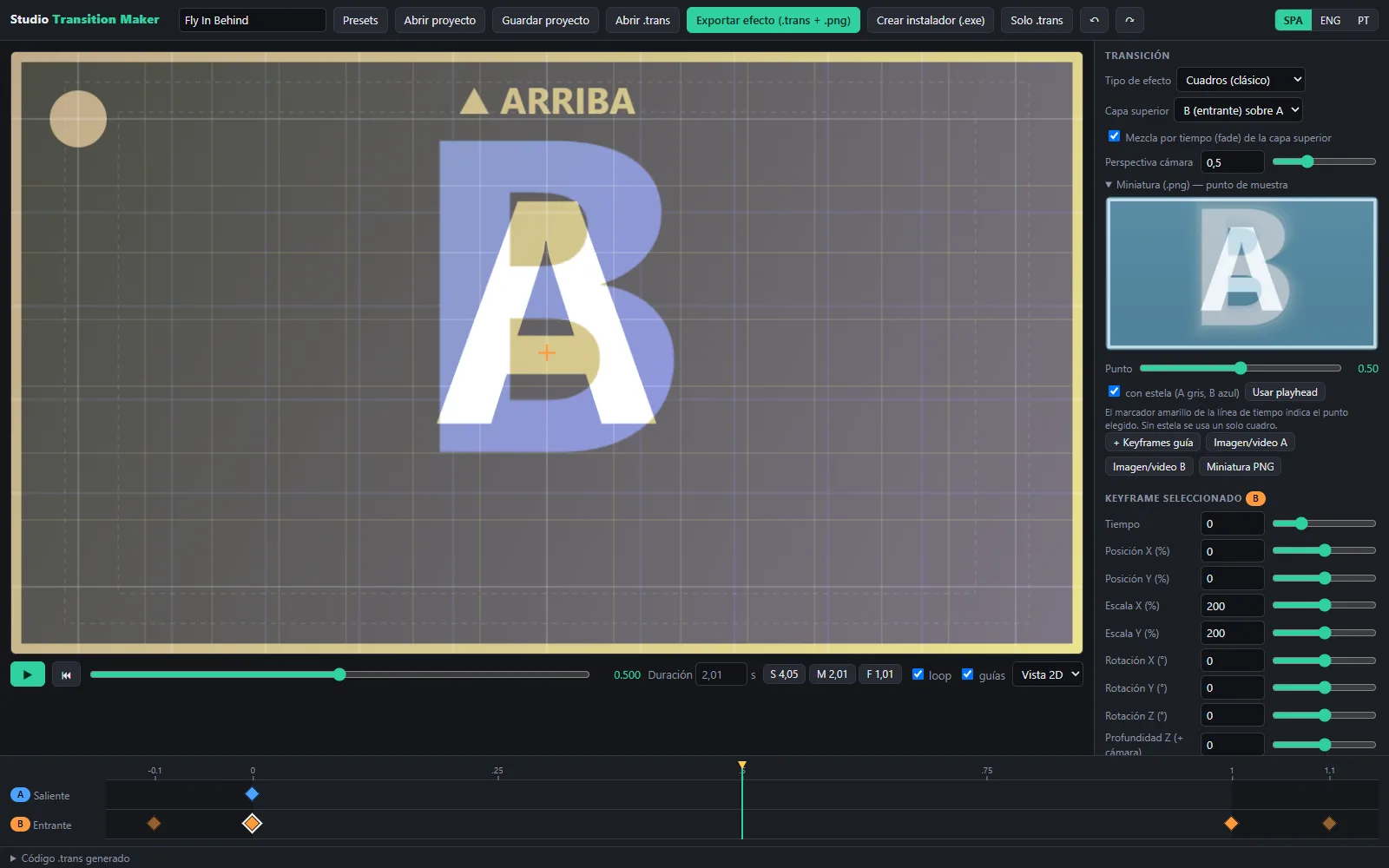
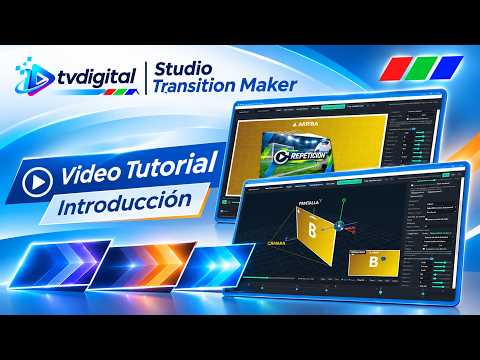
 Studio Transition MakerCustom transitions for Viz TriCaster and Viz 3Play, with animation, graphics and keyframes.
DVE transitions
-
03
 TC Motion Text FXAnimated titles for Viz TriCaster, built from customizable graphic designs.
Animated titles
-
04
 NDI StudioA production desk built on NDI sources, with video outputs, recording and streaming.
Production with NDI sources
-
05
 Studio NDI PlayerClip player for NDI production environments, with four independent monitors.
NDI playback
-
06
 Studio Recorder NDIRecording of NDI sources across several monitors, with audio and group control.
NDI recording
-
07
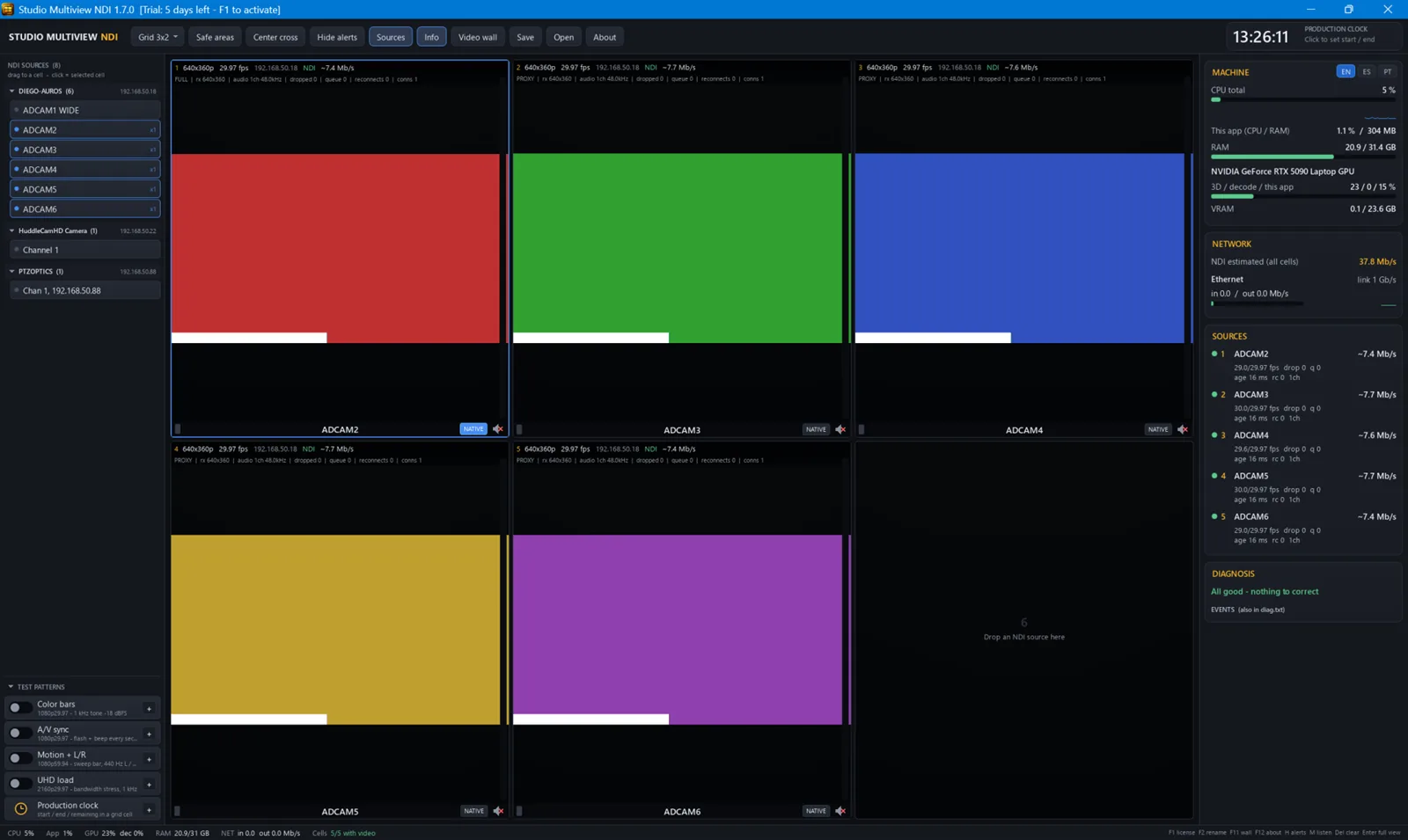
 Studio Multiview NDIMulti-source viewing of NDI signals, with diagnostics and a video wall.
Multiview
-
08
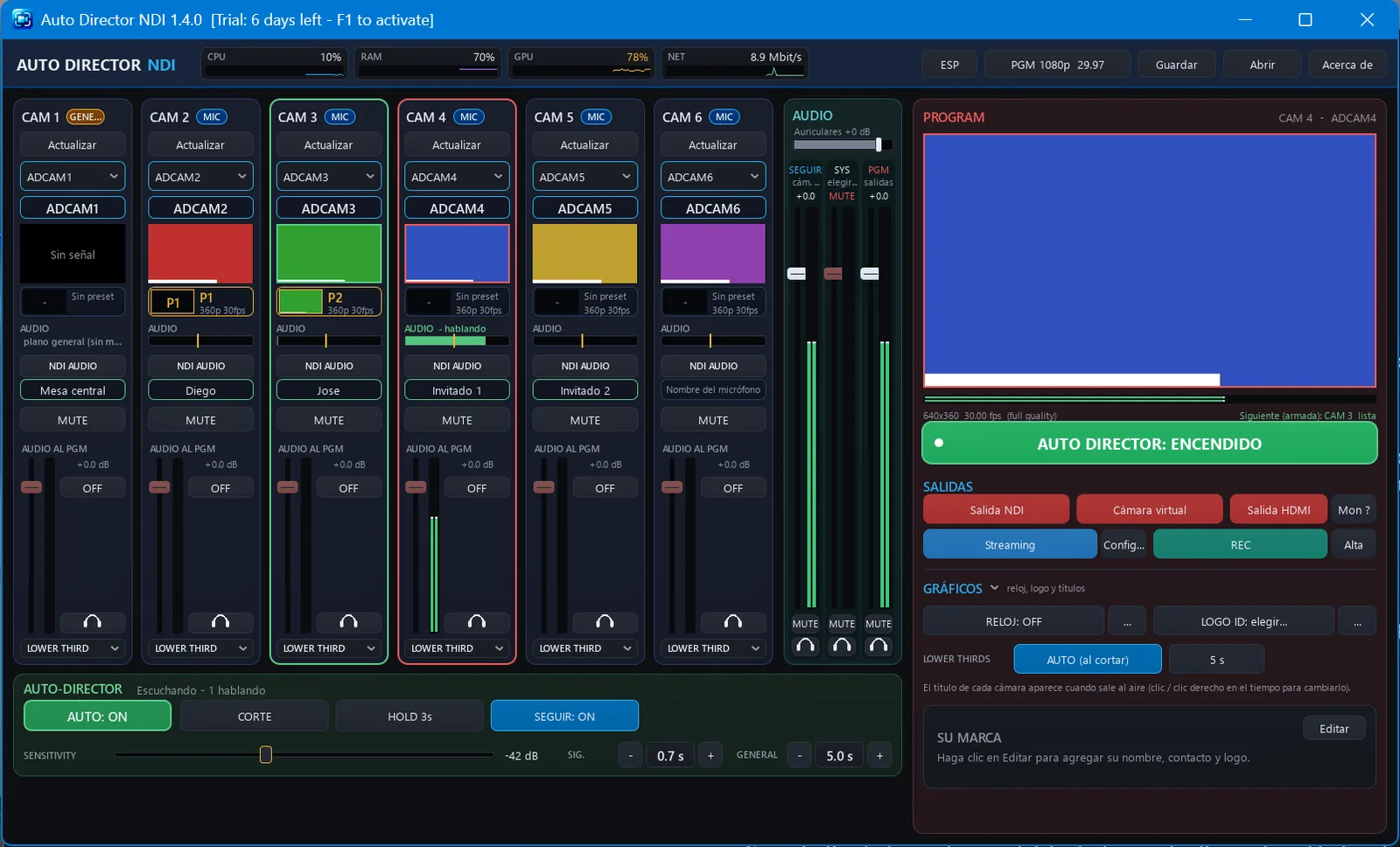
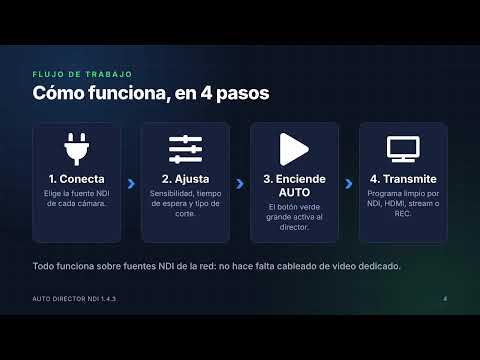
 Auto Director NDIAutomatic camera switching driven by audio, for meeting rooms, courts, institutions and streaming.
Camera automation
-
09
 Apuntador NDITeleprompter with local display, NDI output and access from any web browser.
Teleprompter
-
10
 Studio Webcam NDINDI sources with titles and graphics as a virtual camera for Zoom, Teams and Google Meet.
Virtual camera
-
11
 Studio DatalinkSends text and images selected in the browser to TriCaster DataLink keys.
Browser extension
02 — Workflow
How they connect in a production
Pick an input or an output and see which applications take part.
Production ecosystemCONCEPTUAL DIAGRAM
Inputs
tvdigitalVideo · Graphics · Automation · Interactivity
Outputs
All applications. Select a node to filter.
03 — Solutions
By type of need
A product can appear in more than one area.
A
Video production
D
IP video / NDI
 ▶ESP
 ▶ENG
 ▶ESP
 ▶ESP
 ▶ESP
05 — Contact
Sales inquiries
Product information, demos and distribution opportunities.